
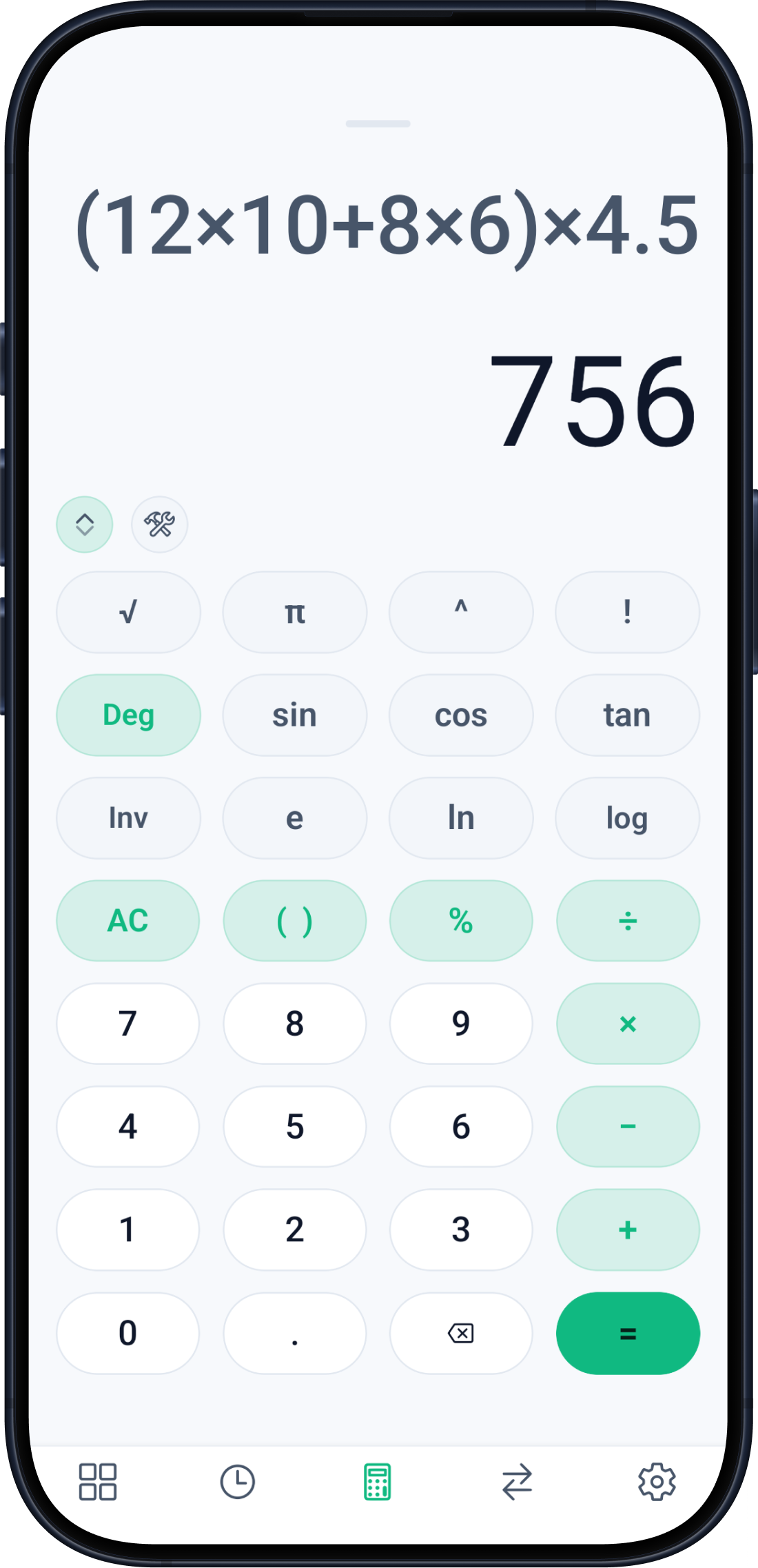
Quantity & material take-off
Concrete, rebar, masonry, plaster, paint, tiles, excavation, formwork, and more.
FIELD TOOLKIT / ANDROID / 50+ CALCULATORS
Estimates, RCC checks, saved projects, BOQs, and polished reports in one focused app-made for real work on real sites.
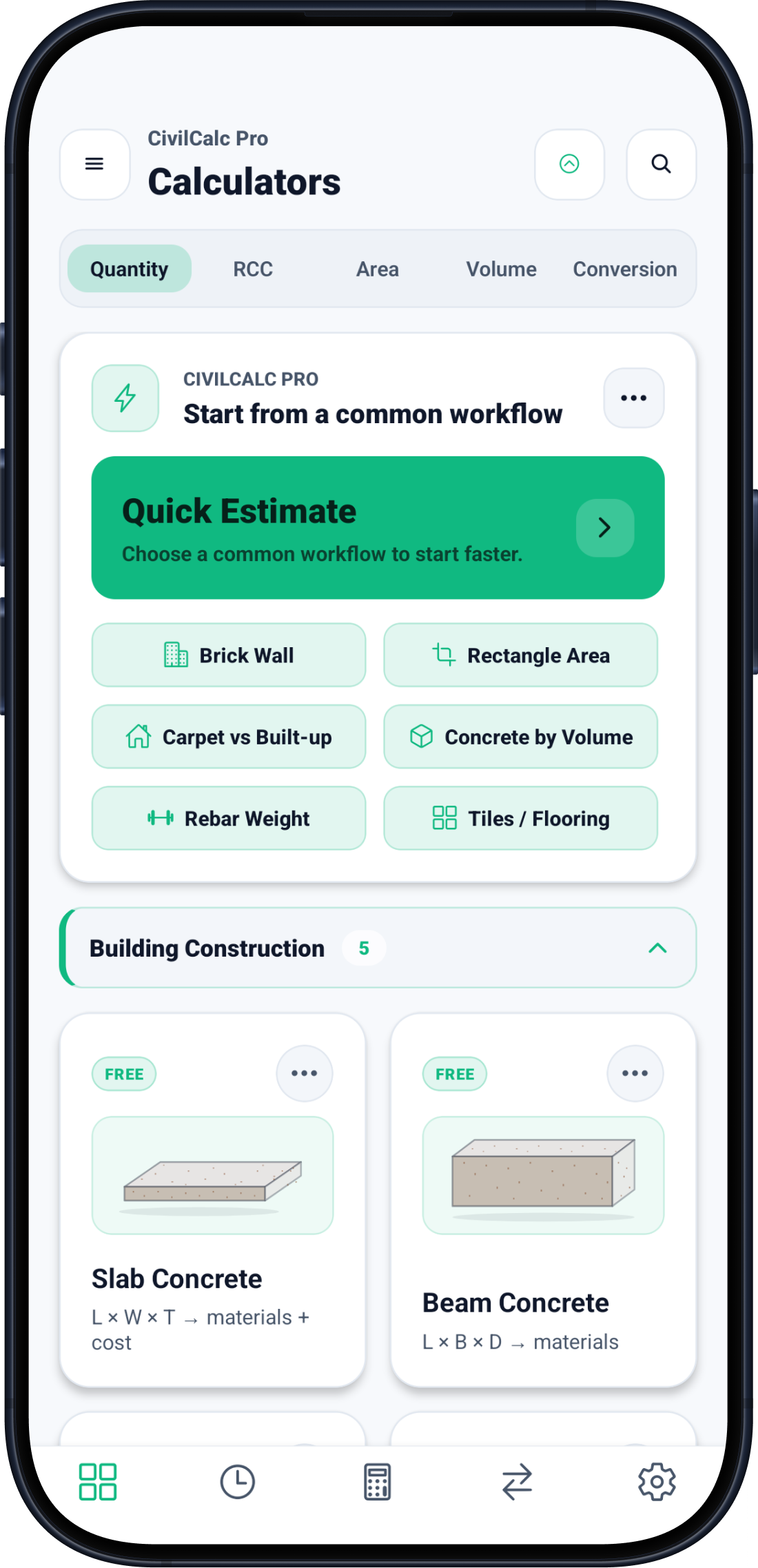
purpose-built calculators
supported languages
core calculator categories
your data, on your device
BUILT AROUND THE WAY SITE WORK MOVES
CivilCalc Pro brings the small, repetitive calculations of a construction day into one calm workflow. Start with a measurement, understand the material breakdown, save it to a project, and send a result your team can actually use.
No bloated dashboard. No mystery sync. Just a serious field tool with a little more taste than the average calculator.
FROM FIRST NUMBER TO FINAL REPORT
The app follows the work instead of forcing the work into a generic calculator. Choose a chapter to explore the flow.
THE TOOL LIBRARY
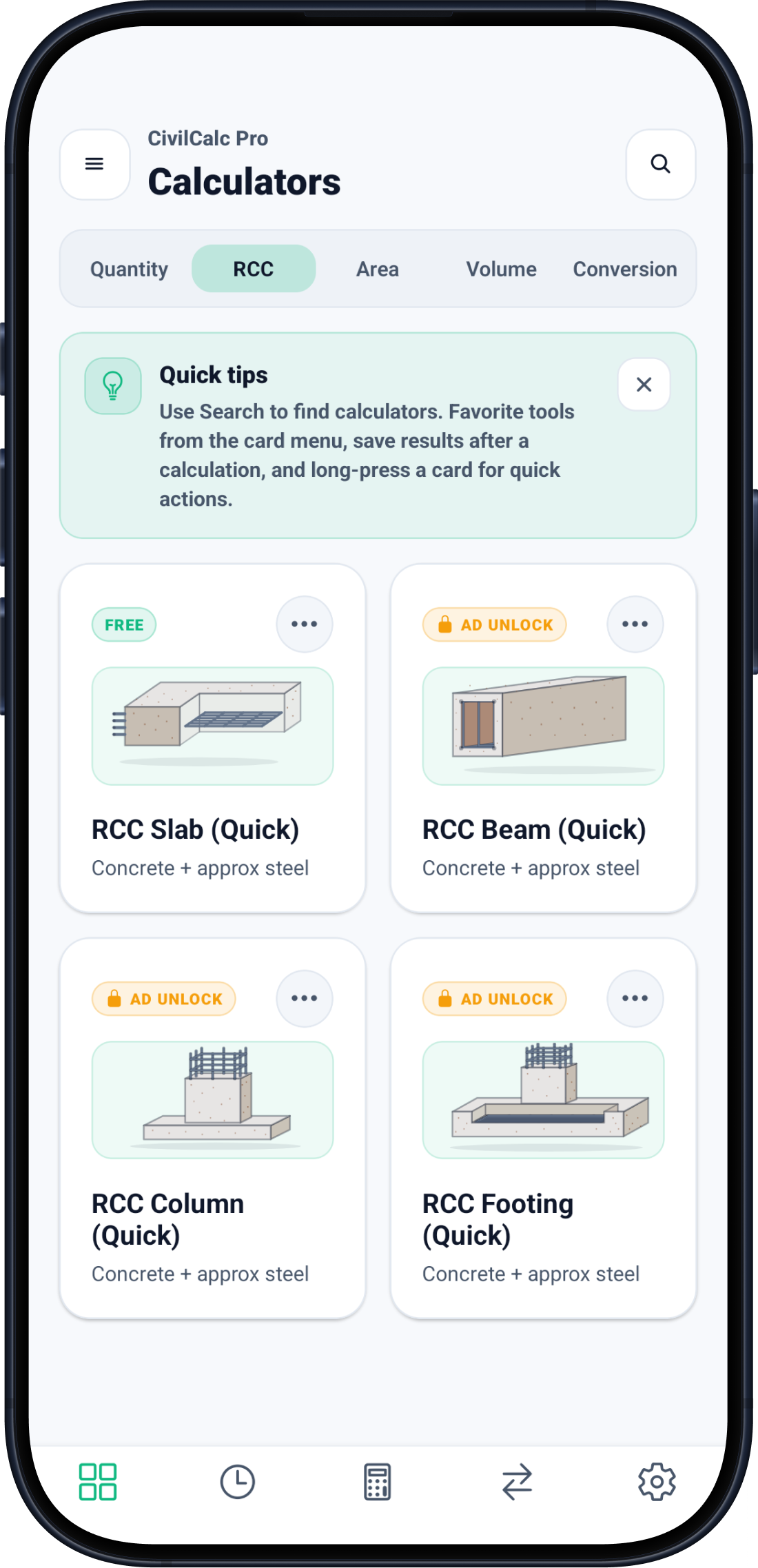
Everyday estimating tools, structural quick checks, utility calculators, and project workflows-organized so the next tool is never far away.
Concrete, rebar, masonry, plaster, paint, tiles, excavation, formwork, and more.
Slab, beam, column, and footing helpers for fast on-site sanity checks.
Plots, rooms, built-up area, common shapes, tanks, cylinders, cones, and spheres.
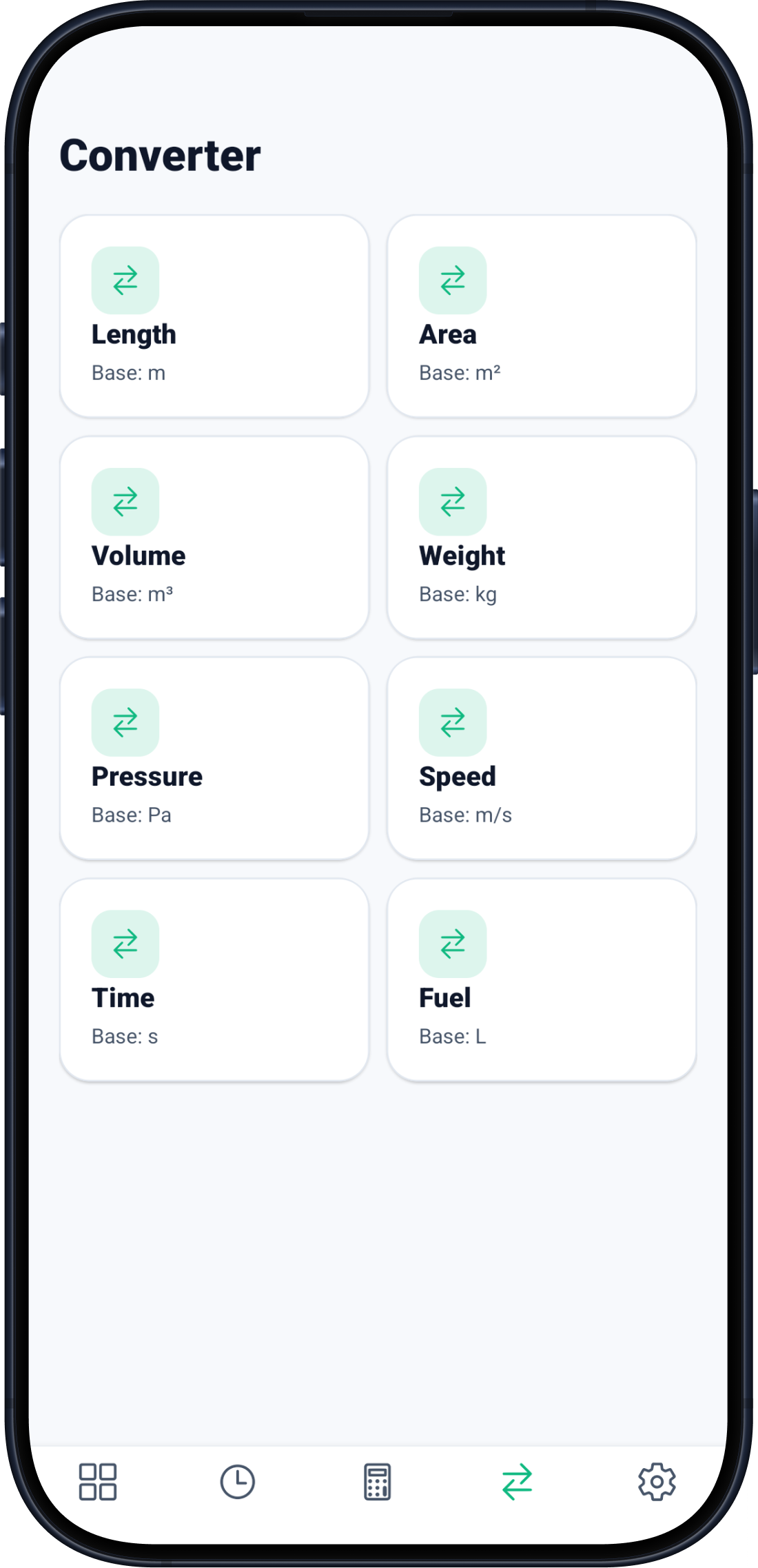
Length, area, volume, weight, pressure, speed, time, and fuel.
Regional formats, material defaults, rates, precision, productivity, and report branding.
A CLOSER LOOK
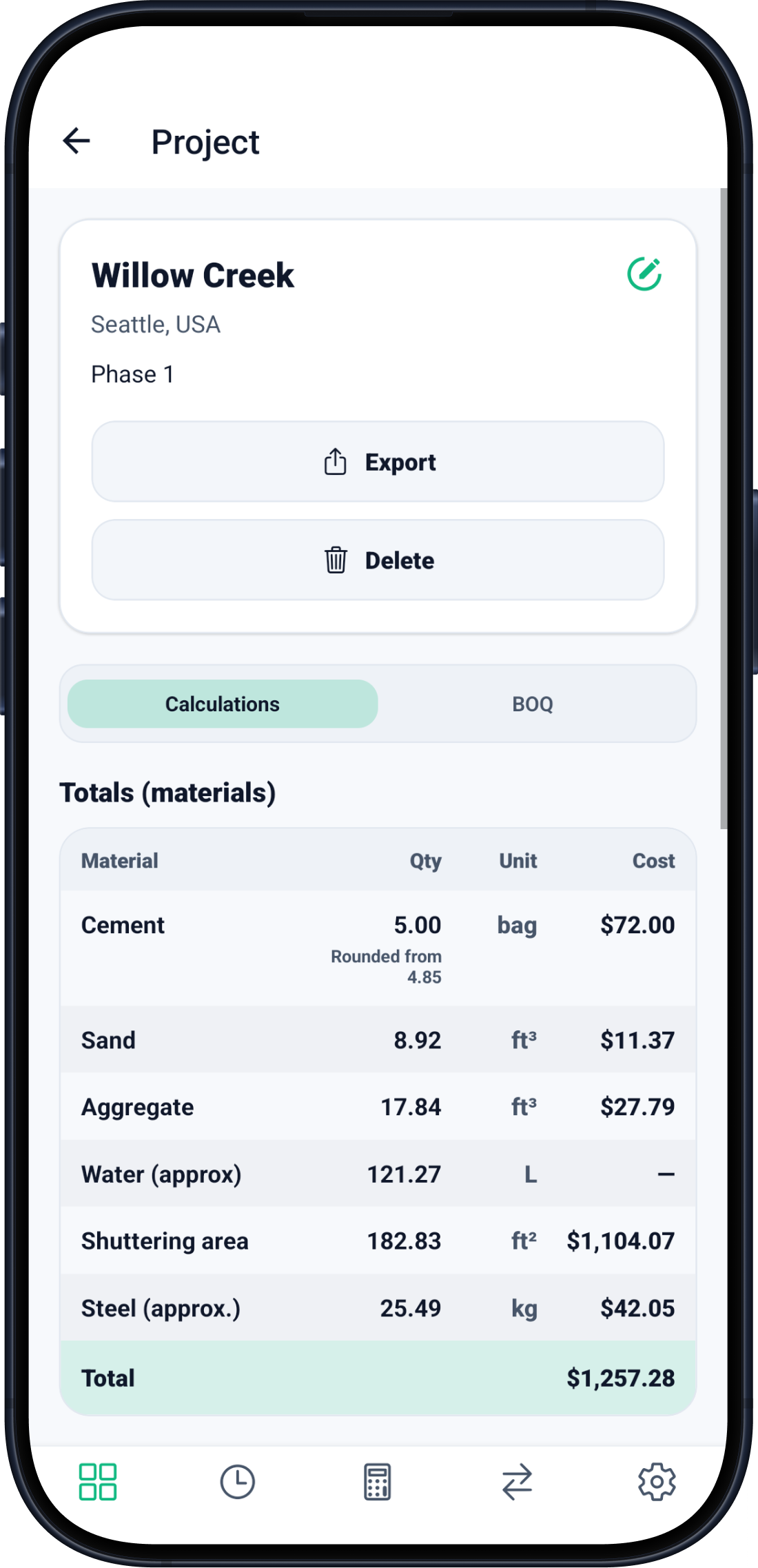
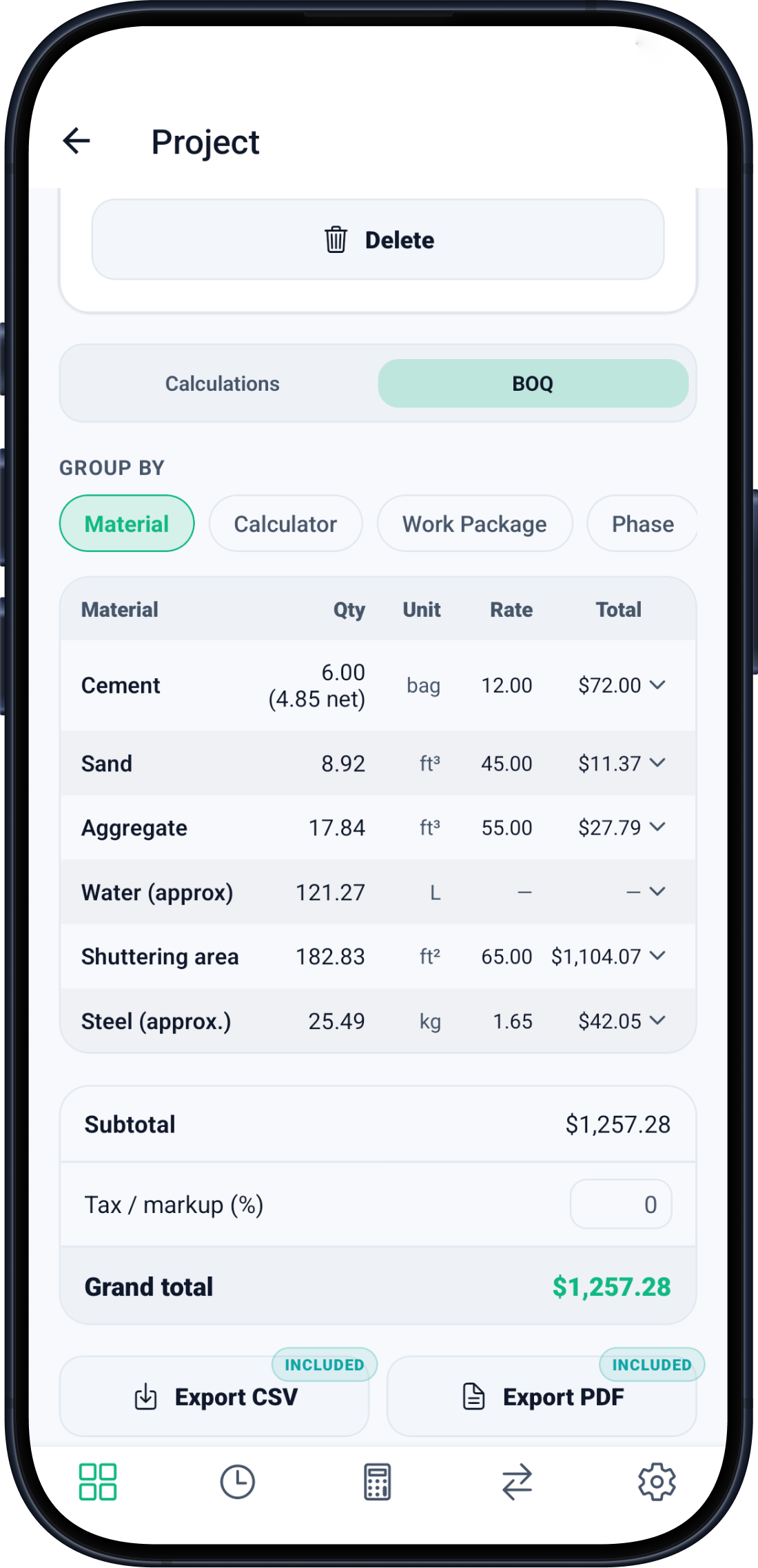
Swipe the gallery on touch screens. Every view below comes from the real app.
LOCAL-FIRST BY DESIGN
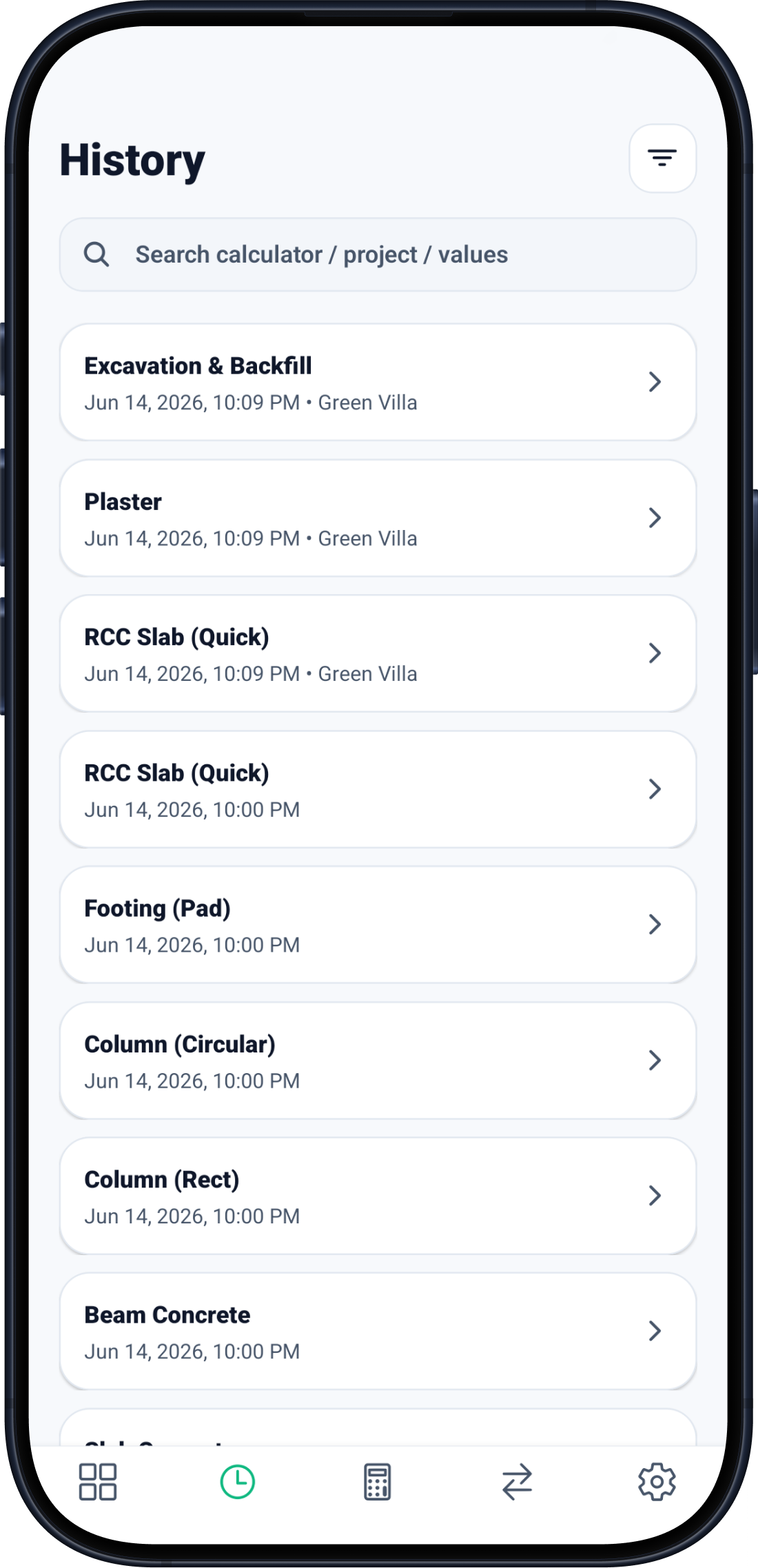
Calculations, projects, favorites, and settings live on your phone by default. There is no separate CivilCalc Pro account to create, and the calculators keep working when the signal does not.
Read the privacy policyYour core work stays local unless you choose otherwise.
Back up to app-specific storage in your own Google Drive.
Disconnect the account or delete the cloud backup in the app.
Yes. The calculators run on-device. Internet is only needed for optional features such as Google Drive backup, Google Play purchases, and ads in the free tier.
No. CivilCalc Pro has no separate account system. Google sign-in is only used if you choose to enable Drive backup.
Yes. Export a clean PDF report or a CSV for spreadsheets, then share it through the standard Android share sheet.
Most calculators are available free with occasional ads. A paid upgrade removes ads and unlocks the complete set without rewarded-ad gates.
No. CivilCalc Pro is an estimation and workflow tool. Always verify outputs against project drawings, local codes, and qualified professional review.
READY FOR THE NEXT PROJECT?
Free to install. No CivilCalc Pro account required.
Download on Google Play